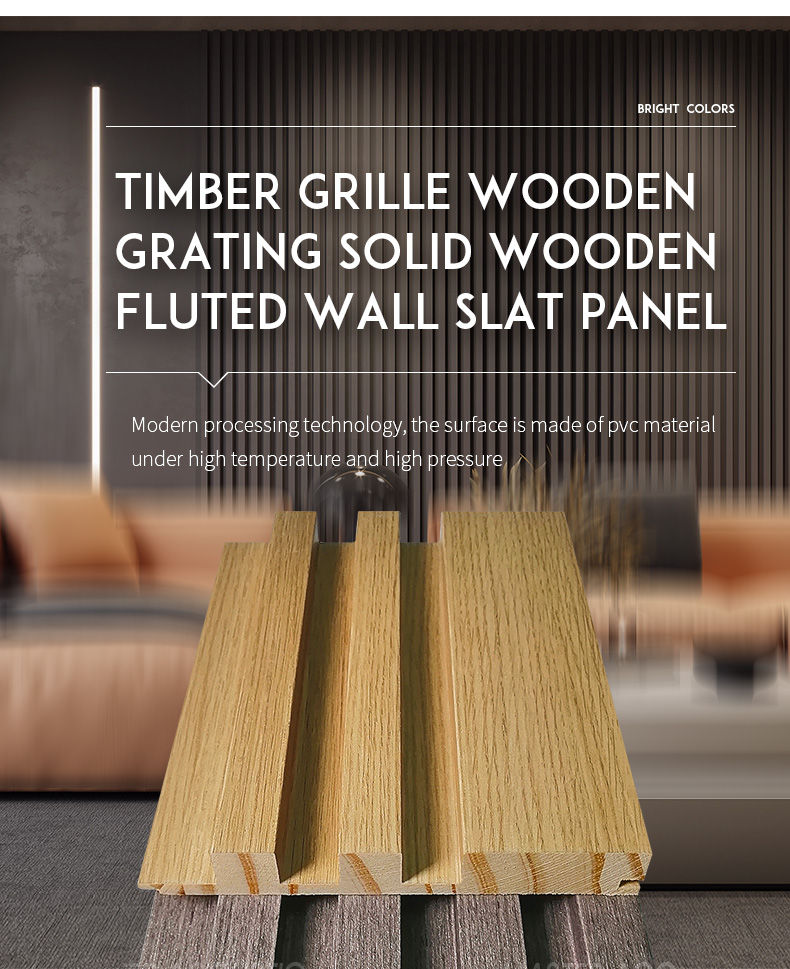
Solid wood decorated panel
- Stable product quality and zero complaints
- Standard products, available for stock
- Functional products with sound absorption, strong decorative.
- Wide range of applications:suitable for both house and industry decoration
- Applicable website sales and distributor channel sales
A solid wood decorated panel typically refers to a decorative piece of wood that is made from solid wood and adorned with various design elements or ornamentation. In modern processing technology, the surface of solid wood decorated panels is made of PVC material under high temperature and high pressure.
Solid wood decorated panels are a versatile and elegant addition to interior spaces, providing both functional and aesthetic benefits. They can be tailored to match a wide range of design preferences and are often seen as a symbol of craftsmanship and luxury in interior design.
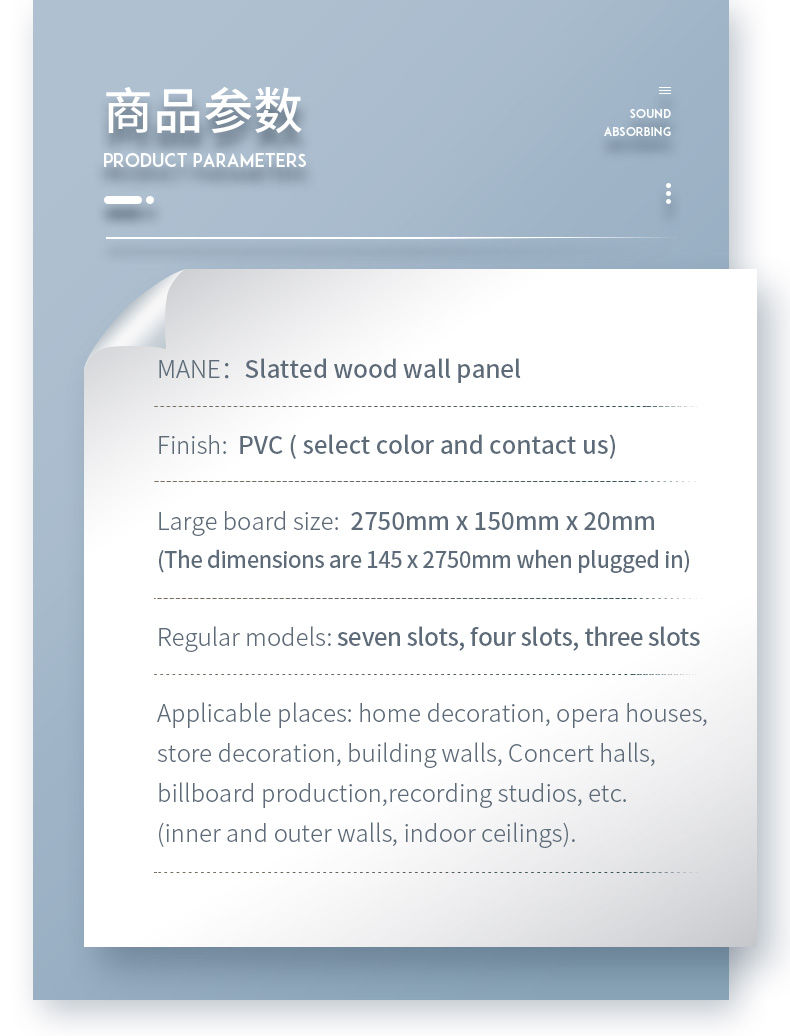
Product parameters
| Parameter | Options |
|---|---|
| Name | Solid wood panel/Grille wood panel/Wooden grating panel/Fluted Wall Panel/Great Wall Panel/Pine Wood Wall Panel |
| Size | 2750mm x 150mm x 20mm |
| Material | Pine Wood,MDF |
| Wood surface | PVC |
| Package | Common carton , PE bag (can be customized) |
| Usage | Wall panel decor,ceiling decor,baseboard Decor,etc. |
| Service | Free samples,support customization |
| Application place | Hotel lobby, corridor, room decoration, conference halls, recording rooms,studios, residences, shopping malls, schools, office space etc. |
Solid wood decorated panels can be used in various applications, such as Home improvement, store decoration, office, building a wall, billboard production, concert halls, opera houses, recording studios, etc. (internal and external walls, indoor ceiling).
Inquiry Form
We’re here to help you find the best acoustic solution. Our panels are custom-made — prices vary depending on thickness, size, and quantity. Get in touch for detailed product information and a personalized quotation.
REQUEST QUOTEProduct Details